Check out my featured builds below, or dive into my professional journey on LinkedIn.
AI Project Lead & Business Analyst with 7 years of experience specializing in AI, BI, financial systems implementation (spanning both financial and managerial accounting), and digital transformation. Having long served across Business Analysis (BA), System Analysis (SA), and System Design (SD) within business management units — and now bridging the engineering (PG) gap with AI — I rapidly turn domain logic and validation frameworks into working products.
On LinkedIn, I also share hands-on notes from my technical experiments. I view AI as a leverage multiplier for personal capability — understanding tool constraints from a technical perspective helps me accurately amplify both my output and the way I showcase results.
•Oracle Cloud Infrastructure 2025 Certified AI Foundations Associate
•iPAS AI應用規劃師(初級)
Reverse Proxy Deadlock: My 3-Hour WorkBuddy-to-OpenCode Trial and Failure
My Test · 01
Key Takeaways
Don't blindly run tutorial automation scripts — my setup used opencode.jsonc (with comments and existing local model configs); a standard Python json.load/dump script would have failed or overwritten it. Manual copy was the right call.
Default CLI outputs can be misleading: the snippet's baseURL pointed to the official endpoint, and every request was blocked by error 11128 (channel verification) — custom User-Agent headers weren't enough either.
The Catch-22: a plain-text token gets blocked by 11128, while the local proxy --import-desktop path hits a $wbEncrypted encrypted dictionary that the open-source tool cannot decrypt.
Next time a third-party proxy throws a Python data-type error, grep the source code immediately instead of repeatedly tweaking my client config — the codebase never even referenced wbEncrypted.
Story
I tried connecting WorkBuddy’s free AI models (deepseek-v4.1-flash) to my OpenCode using an open-source reverse proxy tool called workbuddy-openai. After 3 hours of debugging, the official security mechanism won. Here is a quick record of my troubleshooting process and what I learned:
1. Blindly running automation scripts is risky:
The tutorial provided a Python script using json.load and json.dump to write model settings into opencode.json. However, my setup uses opencode.jsonc and already contains my local models (llama.cpp, Ollama, MLX) and mineru-mcp settings. Running a standard Python json script would fail on comments or overwrite my formatting. I manually copied the settings into .jsonc.
2. Default CLI outputs can be misleading: Direct connection and custom headers cannot pass channel verification (Code 11128)
When I ran the tool's snippet opencode command, the default baseURL pointed directly to the official endpoint. Every request was blocked with error 11128: request illegal (failed channel verification). Even after manually adding custom User-Agent headers to mimic the official desktop app, it still failed. Standard @ai-sdk/openai-compatible requests simply lack the internal signatures required by the official server.
3. Spending too much time on the config file:
To bypass error 11128, I started the local proxy server and imported my desktop credentials. The terminal returned 502 Bad Gateway and OpenCode showed: expected string or bytes-like object, got 'dict'.
Checking the token file revealed that the latest WorkBuddy desktop app saves the accessToken as an encrypted JSON object: {"$wbEncrypted": 1, "envelope": "eyJ..."} instead of a plain text string. At first, I thought putting this object string into opencode.jsonc’s apiKey caused the error. I spent a lot of time extracting the inner text into opencode.jsonc, but still got the exact same got 'dict' error.
4. A classic Catch-22 deadlock:
Finally, I used grep to check the workbuddy_openai Python source code (auth.py, session.py, server.py). The word wbEncrypted did not exist in the codebase at all. Also, the local proxy completely ignores the apiKey in opencode.jsonc and reads ~/.workbuddy-openai/session.json directly. Because the updated desktop app changed the token format from a string (str) to an encrypted dictionary (dict), session.py crashed immediately when processing it.
This created a complete deadlock:
* Connecting directly with a plain-text token gets blocked by error 11128.
* Using the local proxy with --import-desktop gives an encrypted $wbEncrypted dictionary that the open-source tool cannot decrypt.
Next time a third-party proxy tool throws a Python data type error, I will check the source code with grep right away instead of repeatedly modifying my client config file.
Tuning Local LLMs for Long-Context Coding Agents on Apple Silicon: From Ollama to llama.cpp
My Test · 02
Key Takeaways
Dense beats MoE for agent workloads: switching to Qwen3.8-27B improved cross-turn state tracking, though its 32K context limit frequently triggered /compact.
llama-server offers the granular control Ollama/mlx_lm fail to provide: single-slot (-np 1), Flash Attention, symmetric q8_0 KV cache and a custom Jinja template stretched context windows up to 128K.
Long context is expensive: at ~60K, prefill took 11.8 minutes (83.78 tok/s) while decode crawled at 4.62 tok/s.
Change one variable at a time: combining asymmetric KV quantization (K=q8_0, V=q4_0) with new batch settings coincided with a catastrophic prefill regression (8.54 tok/s); rolling back restored 83.78 — exact cause unconfirmed.
MTP (+19.7% decode, 69.6% acceptance) proves acceptance rate alone can't predict real speedup: drafting and verification also cost tokens, and prefill rose 5.4%.
Story
I have been experimenting with OpenCode and local LLMs on an Apple M2 Max (64GB unified memory, 38-core GPU) to improve multi-file coding, cross-turn state tracking, and tool-calling reliability.
My experiments progressed from model selection to inference-engine optimization, with a focus on long-context workloads.
1. From MoE to Dense Models
Initial tests with NVIDIA Nemotron 3.5 Lightning 30B-A3B and Ornith-1.5-35B showed relatively high generation throughput but inconsistent task continuity across multiple agent turns.
Switching to the dense Qwen3.8-27B improved state tracking in my workflows. However, the 32K context limit frequently triggered OpenCode’s /compact operation when processing multiple source files and conversation history.
2. From Ollama and MLX to llama.cpp
I compared Ollama and mlx_lm.server before moving to llama-server for more granular control over context allocation, KV cache, and chat templates.
With single-slot allocation (-np 1), Flash Attention (-fa on), symmetric q8_0 KV cache, and a custom Jinja template, I configured context windows up to 128K. This reduced the need for frequent context compaction, but long-context inference remained costly.
At approximately 60K context, prefill took 11.8 minutes (83.78 tokens/s), while decode reached 4.62 tokens/s.
3. KV Cache and Batch Tuning
At approximately 44K context, combining asymmetric KV quantization (K=q8_0, V=q4_0) with custom batch settings (-b 2048 -ub 1024) coincided with a severe regression: prefill fell to 8.54 tokens/s.
After restoring symmetric q8_0 and default batch settings, prefill reached 83.78 tokens/s in a subsequent 60K test. Because multiple variables changed together, the exact cause remains unconfirmed.
I also observed partial prompt-prefix mismatches that triggered 7K–7.8K tokens of recomputation, highlighting the importance of prefix stability in long-running agent workflows.
4. MTP at Long Context
At approximately 60K context, speculative decoding (MTP, n-max 2) increased decode throughput from 4.62 to 5.53 tokens/s (+19.7%), with a 69.6% acceptance rate. Prefill time increased by 5.4%.
The results show why acceptance rate alone is insufficient to estimate real-world speedup: drafting and verification also incur costs at long context lengths.
Conclusion
My main finding is that local coding-agent performance depends on more than model architecture or raw tokens/s. Model selection, inference-engine behavior, KV cache configuration, prompt-prefix stability, and speculative decoding all affect the outcome.
Next Steps
These experiments provide a useful foundation for building an AI agent orchestrator that dynamically routes tasks between local and cloud models based on task complexity, latency, cost, and execution reliability. This hybrid approach could balance local control and resource efficiency with the capabilities of cloud-based models.
Microsoft DevDays Asia 2026: Four Takeaways from the Front Row
My Test · 03
Key Takeaways
The new bottleneck of the AI era is manual inspection and "workslop": once AI is core to the workflow, quality control shifts to humans — logical thinking and clear communication (with people or AI) matter more than ever.
Enterprise endpoint management is ready for the AI-agent wave: Windows 365 Cloud PC, BYOD, MFA and Zero Trust are the practical foundation for tiered, compliant agent rollouts at scale.
Cloud data privacy (e.g. Differential Privacy) contrasts sharply with on-prem banking practices (View-only access, data masking) — cloud knowledge upgrades how I judge future architecture choices.
Prompt language economics: in non-native English regions, slightly off grammar causes endless edit loops, so writing prompts directly in Chinese is neither more expensive nor less efficient than English.
Story
I managed to squeeze in some time this week to attend Microsoft DevDays Asia 2026. Even though I couldn't catch every session, I walked away with some great industry insights. Here are a few key takeaways:
The New Bottleneck in the AI Era: Inspection and "Workslop":
No matter which vendor you look at, once AI becomes a core part of the workflow, the biggest bottleneck shifts to manual inspection. As someone who uses AI at work and plays around with local models in my free time, this really hit home. If we just automate things without checking, we end up with a ton of "workslop" (low-quality AI output).
Because of this, logical thinking and communication skills—whether you're talking to a human or an AI—are more important than ever. If you can't clearly explain what you need, the system will just keep spitting out useless stuff.
Enterprise Endpoint Management and AI Agents:
I got a better grasp of Windows 365 Cloud PC and BYOD, plus a clearer idea of how MFA and Zero Trust architecture actually work in practice. More importantly, with the AI Agent boom on the horizon, it was fascinating to see how tech giants handle tiered management, keep things compliant, and roll out these tools at an enterprise scale.
Cloud Data Privacy vs. On-Premises Banking Realities:
I was lucky enough to join the "Azure SQL Community Night" on Day 2. It really opened my eyes to how things like Differential Privacy can restrict certain features when you're dealing with sensitive personal data in the cloud. This is a huge contrast to how we do things in banking, where we usually stick to on-premises servers, only give 'View' access, and just blank out key data fields. I might not use these new cloud concepts at work right away, but soaking up this knowledge will definitely help me pick things up faster down the road.
A Surprising Find About IDE Tools and Prompt Costs:
I haven't used GitHub Copilot much, but these sessions gave me a solid intro to IDE tools. One of the most interesting takeaways came from companies sharing their real-world experience: in non-native English speaking regions, developers sometimes use slightly off English grammar in their prompts, which leads to a lot of back-and-forth edits. Because of this, writing prompts directly in Chinese actually isn't more expensive or less efficient than using English!
That was a really surprising and cool takeaway.
Context to Harness: Pushing Local Coding Agents to the Limit
My Test · 04
Key Takeaways
MCP timeout trap: a 90-page PDF made MinerU MCP hit 120-second freezes — fixed by a custom AGENTS.md forcing asynchronous curl polling + jq instead of the UI path.
Context compaction causes goal drift: the model lost the main goal and prematurely "completed" tasks; a strict progress.md state file temporarily restored control (5 → 17 metrics).
MoE models crumble under deep context compression — pushing to 100 metrics produced hallucinated files (gap.md, pass.js) and endless fix-and-forget loops.
Dense models without context limits hit the memory wall: MLX tried to process 70K+ tokens instantly and triggered a 7.52GB swap that froze the Mac; Ollama (GGUF) with a hard 32,768 cap stabilized everything at the cost of speed.
The real recipe for local agents: strict task chunking, external state machines, and micro-batching.
Story
I’ve spent the last two weeks building a fully automated local coding workflow using OpenCode and Local LLMs. Here’s a raw look at my battle against compute limits, memory swaps, and AI "Attention Deficit."
Phase 1: The MoE Honeymoon: I started with the Ornith 1.5 35B-A3B MoE model. It handled small 5-metric tasks smoothly using basic .opencode-rules.
Phase 2: The MCP Timeout Trap: Parsing a 90-page PDF triggered massive 120-second timeouts with the MinerU MCP integration. My fix? A custom AGENTS.md forcing the AI to use asynchronous curl polling and jq to bypass the UI freeze completely.
Phase 3: Compaction & Goal Drift: Scaling to 10 metrics caused severe context compaction. The model lost track of the main goal and prematurely "completed" tasks. Introducing a strict progress.md state file temporarily solved this, pushing us to 17 metrics.
Phase 4: MoE Hallucination Loop: Pushing for 100 metrics broke the MoE model entirely. It began hallucinating fake files (gap.md, pass.js, coverage.md) in a desperate attempt to track its own lost progress, entering an endless fix-and-forget loop.
Phase 5: Dense Models & The Memory Wall: I switched to a Qwen 27B dense model for stability. Without strict limits, the MLX engine tried to process 70k+ tokens instantly, triggering a 7.52GB memory swap that froze my Mac. Moving back to Ollama (GGUF) with a hard 32,768 context limit finally stabilized the project and killed the hallucinations—though at the cost of slower inference.
The Takeaway:
MoE models shine in simple chats but crumble under the deep context compression required for complex Agent tasks. Even with physical state files, long contexts eventually fail. The real secret to harnessing local AI agents? Strict task chunking, external state machines, and micro-batching.
Local AI Agents Under Limited Compute: A Reality Check with OpenCode
My Test · 05
Key Takeaways
Local agents are not clouds: a 20-minute cloud subscription task took 2 fragmented days locally on an M2 Max 64GB.
Complete contexts drain small machines: 4-bit models crawled at 13 tk/s and Chinese PDF tables flooded context — the fixes were an MoE compromise and locally deployed MinerU + MCP for document parsing.
Too many compression cycles cause "amnesia": the agent forgets initial instructions (roll.md) and efficiency tanks.
The trust bottleneck is human: fearing accidental deletions turned manual approval into a one-person bottleneck.
Biggest takeaway: when delegating to local AI, aggressive task breakdown is critical — and learning Context management, Ollama integration and MCP deployment was invaluable.
Story
Writing code with paid, subscription-based AI tools is a breeze. Backed by the robust architecture and powerful models of cloud platforms, my recent test program took just one reference document, a simple prompt, and 30 minutes to produce results.
However, in scenarios where sensitive data absolutely cannot go to the cloud, on-premise deployments are the future standard. How do we get a local Agent to deliver cloud-like results?
This time, I decided to test a new tool: OpenCode. The main reason? Previous tests with Hermes and OpenClaw showed they often come with default xxx.md files. On my M2 Max 64GB setup, where memory and context are limited, this triggered context compression way too often, severely dragging down efficiency.
Setting aside the various installation hurdles, I ran into a few unexpected issues (see the image). It was a true reality check for all those Agent theories online:
1. Models: Qwen3.8-27B-4bit crawled at 13 tk/s and drained my Context capacity. I compromised with Ornith-1.5 MoE.
2. Document Parsing: Chinese PDFs with tables flooded the Context. MarkItDown failed in tables. Fix: Locally deployed MinerU to call the MCP.
3. Context vs Hardware: Long system prompts exhaust small models, triggering heavy compression and tanking efficiency.
4. Compression "Amnesia": Too many context compression cycles make the AI forget its initial instructions (roll.md).
5. The Trust Bottleneck: Fearing accidental file deletions, I required manual approvals—which turned me into the actual bottleneck.
A 20-minute cloud task took 2 fragmented days locally.
Yet, learning Context management, Ollama integration, and MCP deployment was invaluable.
My biggest takeaway: When delegating to local AI, breaking down tasks is critical!
(If an M5 Ultra 256GB on my desk would probably be a different story😆)
From AI Image to AI Video Generation: My ComfyUI Trial, Error, and Imperfect Breakthrough
My Test · 06
Key Takeaways
The Mac environment is a maze: model formats don't always support MPS quantization, FP16 replacements cause OOM, and getting official demos running meant sourcing VAEs and manually matching Qwen3-VL-32B / mmproj filenames across Clip vs Text Encoder folders.
AI video lengths obey strict math: total frame count follows rigid architectures (17N+5 style); mismatching generated frames vs output FPS yields slow-motion clips and dropped audio.
Prompt orchestration is part of the workflow: Lanczos scaling for base images, and precisely aligning <Picture 1> / <Audio 1> node sequences so the AI knows how to connect shots.
Turbo models are microwaves, not substitutes: a 4-step Turbo model forced into a 20-step official workflow produced charred, noisy edges — it only works in its creator's native accelerated workflow.
Story
Half a year ago, limited by my hardware, my exploration of ComfyUI stopped at simple AI image generation workflows. After recently upgrading my setup (Mac M2 Max 64GB) and brushing up on the underlying mechanics of Diffusion Models, I decided to dive into the deep end of ‘AI Video Generation.’ I quickly realized this is a completely different dimension of challenge.
Over the past few days, after countless errors and retries, I decided to document my technical trials, errors, and blind-spot breakthroughs:
1. The Mac Environment
The Dilemma of Model Format vs. Capacity: Many default models do not support specific quantization modes on Mac (MPS). Replacing everything with FP16 leads to massive file sizes and OOM (Out of Memory) crashes.
The Folder Maze: To get the official demo models running, I had to frantically source various VAEs and figure out whether Qwen3-VL-32B and its corresponding mmproj belonged in the Clip or Text Encoder folder (even manually matching filenames so the AI could call them). Just ‘setting up the environment’ was a tough battle.
2. The Redefined Logic of Timelines and Framerates
Audio and Video Mismatches: When the ‘total AI-generated frames’ and the ‘final output video FPS’ mismatch, the video turns into a bizarre slow-motion clip, and the audio completely drops out in the second half. It turns out that AI audio and video lengths are strictly tied to the ‘generated frame count’!
Strict Neural Network Math: The total number of images required for an AI video isn't arbitrary. It follows a highly strict matrix computation architecture (e.g., adhering to a specific 5 + FPS * seconds or 17N+5 logic). Being off by just one frame causes Tensor alignment failures and abrupt crashes.
Precise Prompt Orchestration: Not only do you have to worry about the image scaling algorithms (like Lanczos) for the base image, but you also have to learn how to precisely align node sequences using <Picture 1> and <Audio 1> in the prompt to instruct the AI on how to connect the shots.
3. The ‘Charred’ Disaster of Turbo Acceleration Models
In pursuit of speed, I tried applying a 4-step Turbo model shared by the open-source community into the official workflow I had finally gotten to run. The result? Originally cute anime characters turned out rough, dim, and plagued with charred-looking noise around the edges. This made me realize: Turbo models are like microwaves: they must be run under the right conditions. Forcing them into a standard workflow that requires a 20-step ‘slow simmer’ will only result in a botched product. (Note: I later referenced the Turbo model creator's specific workflow and was able to use it perfectly!)
Conclusion
Next, I plan to digest the technical jargon and knowledge I've absorbed this week. I look forward to unlocking more interesting use cases and eventually having the ability to build my very own workflows from scratch!
Agentic Automation Day Recap: How Agent AI Is Reshaping Workplace Workflows
My Test · 07
Key Takeaways
Morning tracks covered AI automation evolution, team-workflow Agent integration, and cyber defense frameworks purpose-built for autonomous systems.
Data repatriation is real: back-on-premise workload moves are being used to optimize cloud expenditure.
Afternoon tracks scaled the picture: AI knowledge base evolution, effective harnesses/specs, Multi-AgentOps with API gateways and granular access control.
AI governance rests on three pillars: behavior, data, and rules.
Token Economics and Agent Governance will be the differentiators separating market leaders from the rest; human-centric productivity frameworks are being redefined into AI-native collaborative workflows.
Story
Attended Agentic Automation Day hosted by iThome on August 6th! Beyond the opening and closing trend overviews, 10 speakers delivered insightful 30-minute keynotes paired with 15-minute interactive networking sessions.
Rather than focusing purely on technical IT discussions, the conference centered on how
Agentic AI is actively intersecting and reshaping workplace workflows. Key takeaways spanned across several key domains:
Morning Sessions: Foundation & Security
1.The evolution of AI automation & integrating Agents into team development workflows
2.Cyber defense frameworks for autonomous systems
3.Data repatriation practices: Moving workloads from AWS back on-premise to optimize cloud expenditure
Afternoon Sessions: Scaling & Governance
1.Evolution of AI Knowledge Bases & writing effective Agent Harnesses/Specs
2.Multi-AgentOps, API Gateways, and Granular Access Control
3.The 3 pillars of AI Governance: Behavior, Data, and Rules
The hall was buzzing with energy during networking breaks, with attendees debating implementation details and evaluating how to integrate these architectures into existing
operations. For someone continually following AI advancements, it provided concrete
real-world use cases and practical implementation frameworks.
Achieving true enterprise-grade productivity gains with AI still comes with clear bottlenecks and execution challenges, but inaction poses an even greater risk of falling behind.
As model capabilities advance and resource consumption patterns shift, traditional human-centric productivity frameworks are being fundamentally redefined into AI-native collaborative workflows.
Moving forward, Token Economics and Agent Governance will likely be the core differentiators separating market leaders from the rest.
Quick Visit to AI Wave Show: Token Economics & AI Deployment Across Industries
My Test · 08
Key Takeaways
Enterprise AI adoption sits in a grounded "0 to 1" phase rather than a consumer hype cycle — the quiet expo floor (vs. the neighboring food expo) said it all.
The pragmatic ROI era makes Token Economics the focus; Phison aiDAPTIV+ treats NAND Flash as extended GPU memory to bypass costly HBM/GDDR limits with MoE models.
That architecture is enterprise-oriented: for individual developers, Apple Silicon or stacked consumer GPUs still win on cost-performance and flexibility at this stage.
Story
On Saturday (Aug 1), I took a quick walkthrough of the AI Wave Show at TWTC Hall 1. Compared to the bustling crowds at the Food Show next door, it felt relatively quiet here—yet perhaps this precisely reflects that enterprise AI adoption is currently in its grounded "0 to 1" phase rather than a consumer hype cycle.
💡 Observation 1: Moving from Universal Pain Points to Vertical Depth
Based on the exhibitors, early-stage enterprise AI deployment mostly targets cross-industry, labor-replacing use cases such as administrative automation, knowledge base management, and cloud cybersecurity. Once past these baseline requirements, domain-specific strategies diverge:
Finance: Heavy focus on customer service and personalized recommendations to elevate user experience.
Manufacturing: Concentrated on physical-world optimization, including yield rates, logistics scheduling, and industrial safety monitoring.
The hype phase of AI adoption has passed; enterprises are now entering a pragmatic era of strict ROI calculation, making Token Economics the next crucial focus.
During my visit, I caught a presentation by Phison on their aiDAPTIV+ solution. By leveraging NAND Flash as extended GPU memory—combined with custom software, algorithms, and MoE models—it attempts to bypass traditional, costly HBM/GDDR capacity limits. Having experimented with local LLMs and hit hardware bottlenecks myself, this architecture was truly eye-opening.
🤔 Personal Reflection: Enterprise vs. Individual Developer Choice
While this solution offers a smart workaround for hardware limits, analyzing its deployment costs and constraints suggests its core positioning remains enterprise-oriented. For individual developers and enthusiasts seeking ultimate cost-performance and flexibility, running on Apple Silicon (Mac ecosystem) or stacking consumer GPUs still holds a significant advantage at this stage.
Though a brief visit, walking away with these insights was thoroughly rewarding!
AWS Summit Taipei 2026: FinTech, Web3 & the Collaborative Evolution of Agentic AI
My Test · 09
Key Takeaways
Major cloud providers are converging in core product development — the sessions gave a clearer blueprint of where the industry is heading.
Web3 has moved past crypto trading: regulation and security frameworks push RWA tokenization and compliant stablecoins (even derivative-hedged ones) into the mainstream; blockchain-based transaction analysis and credit scoring form a new trust mechanism.
Agentic AI is evolving "from AI sessions to shared memory": team-memory models turn AI from a standalone tool into a collaborative partner that preserves project context.
Whatever the strategy, robust infrastructure remains the common bottleneck; for a regulated-industry professional, "growth within stability" is the anchor — and aligning tech with business scenarios is where value lies.
Story
I attended AWS Summit Taipei 2026 this Weds.&Thurs. Through extensive demos and sessions, I gained a clearer blueprint of tech trends, observing that major cloud providers are increasingly converging in core product development.
For years, my focus was on financial systems and database maintenance. Although I implemented several innovative applications, I felt bounded by existing frameworks. I often pieced together knowledge from YouTube and forums to experiment with AI Agents. This career transition allows me to formally explore digital innovation and AI implementation. Moving from underlying data to cutting-edge domains has disrupted my comfort zone and reignited my passion for research.
Two areas stood out as particularly rewarding:
🔹 FinTech & Web3: Compliance & Financial System Integration
The sessions explored Web3's transformation. Once viewed merely as crypto trading, regulation and security frameworks have pushed RWA tokenization and compliant stablecoins into the mainstream. I was intrigued by "derivative-hedged stablecoins," while blockchain-based transaction analysis and credit scoring showed that a new trust mechanism is taking shape, providing fresh perspectives for evaluating product design and compliance risks.
🔹 The Collaborative Evolution of Agentic AI
The transition "From AI Sessions to Shared Memory" expanded my perspective. Demos showcased a "team memory" model where AI evolves from a standalone tool into a collaborative partner preserving project context—a pivotal evolution for enterprise digital transformation.
However, whether driving AI strategy or innovation, everything hinges on robust infrastructure. This common thread among speakers underscored that many enterprises still face integration challenges during actual implementation.
While technology evolves rapidly, its value lies in aligning with business scenarios. Looking at tech developments from a highly regulated industry highlights a contrast in pacing. Yet, this rigor that champions "growth within stability" might be the most crucial anchor amidst volatile technological waves.
The AI Journey of a Non-CS Pro: From Cloud Renders to Local Agents (Part 2/2)
My Test · 10
Key Takeaways
The Agent era exposes non-CS gaps: getting OpenClaw running meant fighting Terminal, npm vs pnpm, cd, rm -rf and .env logic late into the night — programming basics and learning agility decide whether you stay stuck with pre-packaged installers.
Distillation is capability specialization under limited compute — and it also cripples Function Calling.
Enterprise RAG is far more than chunking into a vector DB: real deployments need Hybrid Search (BM25 + vectors), Intent Rewriting (e.g. rewriting number queries into accounting-code lookups) and Text-to-SQL.
Dirty legacy data and missing A100-class hardware make fine-tuning open-source models a catastrophic-forgetting risk for enterprises.
The loop of "discover gap → upskill" is a time/energy sink, but surviving it built a full knowledge map: algorithms → terminal → hardware limits → enterprise RAG data deployment.
Story
(In Part 1, I shared how I went from waiting for cloud image renders to building a local AI rig with M4 Unified Memory and GGUF quantization. But making an LLM "talk" fast wasn't enough. I wanted it to "act". Here is the rest of my journey...)
Phase 3: The Rise of Agents to Discovering a Lack of Programming & Environment Setup Skills
As models started calling tools like OCR, I realized AI was no longer just for chatting. I encountered AI Agents, MCP (Model Context Protocol), Skills, and JSON-based Function Calling.
The emergence of OpenClaw inspired me to try deploying a local AI Agent again. This led to numerous failures. Basic development environments are tightly intertwined. As a non-CS person, I wasn't familiar with Mac terminal operations or package managers. To get the "lobster" (OpenClaw) running, I fought with the Terminal late into the night—learning the difference between npm and pnpm, navigating with cd, deleting stubborn files with rm -rf, and figuring out the configuration logic of .env variables.
I also realized that "distillation" is actually the process of specializing a model's capabilities under limited compute. This taught me a hard lesson: without programming basics and learning agility, you're stuck relying on pre-packaged lazy installers.
Phase 4: From Practice to Enterprise Deployment to Discovering a Lack of Data Engineering & Architectural Thinking
After integrating this knowledge, I started thinking about enterprise applications. I investigated why some companies' chatbots felt like "artificial idiocy" and delved deeper into RAG (Retrieval-Augmented Generation). I discovered that simply chunking documents and throwing them into a Vector Database only provides superficial matching. In practice, enterprise RAG requires Hybrid Search (BM25 + Vector Search), Intent Rewriting (e.g., automatically rewriting a number query to "Please look up accounting code XXXXX"), and Text-to-SQL. I also resonated with IBM's insights on the pain points of dirty data in Legacy Systems. I understood why—without hardware like the A100—it's incredibly difficult for enterprises to fine-tune open-source models without causing catastrophic forgetting.
Conclusion
The AI landscape is evolving at a breakneck pace, with new agents like NemoClaw and the Hermes Agent emerging almost daily. In this accelerating environment, it becomes clear that staying ahead requires more than just following the news—it demands rigorous, hands-on execution. This led me into an infinite loop of "discovering gaps" and "continuous upskilling," which cost me a tremendous amount of time and mental energy. Although I don't have a CS background, the hurdles I've crossed to "make AI run" have helped me build a knowledge map—from underlying algorithms and terminal environments to hardware compute limits and enterprise RAG data deployment. The process was exhausting, but immensely rewarding and fun!
The AI Journey of a Non-CS Pro: From Cloud Renders to Local Agents (Part 1/2)
My Test · 11
Key Takeaways
AI enlightenment via Disco Diffusion: 30-minute cloud renders sparked algorithm curiosity first, exposing the ML/DL foundation gap (CNN, RNN, convolutions, matrix ops, activation functions).
Knowing models isn't knowing AI: Transformer/Attention theory gave overconfidence before hardware reality struck.
Local deployment is a hardware course: Mac Unified Memory vs RTX VRAM bandwidth, prefill/decode compute bottlenecks, and why FP16/FP8 stalls on Mac while GGUF Q4_K_M flies.
M4 mini + Ollama (gpt-oss-20b) + ComfyUI became the first hands-on rig after brutal first results, and the Oracle AI Foundations Associate cert filled a missing comprehensive perspective.
Story
Looking back at my AI learning journey over the past few years, as a non-computer science professional, it has been a relentless cycle of "realizing what I don’t know, and forcing myself to catch up."
Phase 1: From Cloud Waiting to Discovering a Lack of Foundational Knowledge
My AI enlightenment started with the open-source Disco Diffusion. Back then, generating a single image required hosting the model on Google Drive and waiting 30 minutes for cloud computing. That agonizing wait sparked my curiosity: How exactly is this image generated? Why does it go from blurry to clear?
To understand this, I realized that I lacked basic algorithmic knowledge. I dove into the theories of Machine Learning (ML) and Deep Learning (DL)—understanding CNNs, RNNs, convolutional operations for feature extraction, matrix multiplications, and Activation Functions.
At the time, I even partially confused traditional Neural Networks with the underlying architecture of Generative AI, back when GenAI was still quite "clunky."
Phase 2: From Prompting to Discovering a Lack of Hardware & Compute Knowledge
I went deeper into the cornerstones of GenAI: Transformer architecture and the Attention mechanism. I thought understanding these meant I "knew AI."
With the explosion of ChatGPT, I learned about System Prompts, Tokens, and Context. But as a player wanting AI as a private tool, I hated being restricted by the cloud. I realized Mac's Unified Memory seemed like the cheapest entry ticket for local deployment, so I bought an M4 Mac mini and started experimenting with Ollama (running gpt-oss-20b) and ComfyUI (Stable Diffusion). After stumbling through macOS and terminal commands, the results were brutal: incredibly slow text and image generation. I realized my hardware knowledge was stuck in the "CPU+RAM" era.
Forced to learn, I researched the bandwidth differences between Mac M4's Unified Memory and RTX dedicated GPUs' VRAM, and understood the compute bottlenecks of the Prefill and Decode stages. To run models on constrained hardware, I dived into Quantization, understanding why FP8 dragged down Mac performance and why I had to use GGUF and Q4_K_M formats. To build a comprehensive view, I even studied for and passed the Oracle Certified AI Foundations Associate exam.
But understanding models and hardware was just the beginning. 😅 Once I realized AI could use tools and act autonomously, I hit an entirely new wall. Stay tuned for Part 2, where I share my hands-on experience deploying local AI Agents (like OpenClaw) and unpack the real-world challenges of Enterprise RAG.
在 Mac mini 養龍蝦(OpenClaw):本地 Agent 實測,三爆三敗筆記
My Test · 12
Key Takeaways
蒸餾模型保留文本能力,但「調用工具 Function Calling」的能力幾乎殘廢 —— 第一次實測直接失敗。
Git-Driven Cloudflare Deployments: Reducing Tech Overload So I Can Focus on Models, Architecture, and Real-World Edge Behaviors
My Test · 13
Key Takeaways
1. Define Security Boundaries and Specs (SPEC.md) Before Coding: Establishing clear guardrails and specifications upfront prevents costly mistakes.
2. Pair Domain Experience with "Grill-Me" AI Stress-Testing: I design features and validation logic based on my experience, then use a grill-me prompting workflow to have AI challenge my assumptions—catching edge cases and technical blind spots I might have missed.
3. Establish a Code Review Mechanism: As AI generates more code, you quickly hit the bottleneck of having "too much code to read manually." Narrowing the scope of manual inspection through structural rules allows me to focus my energy where it matters most: business logic accuracy and live site testing.
4. Alternate Between Normal and Incognito Windows to Catch Caching Traps: Sometimes you push a fix and nothing changes on screen—not because the code logic is wrong, but because of edge caching.
Story & Reflection
Over the years working on financial systems, modeling, and new technology implementation, I accumulated extensive experience across BA, SA, SD, and SIT/UAT. Being on the management side—receiving user feedback daily—also shaped my instincts for UI/UX and system controls. However, lacking fluency across multiple programming languages had always been the barrier preventing me from building full systems independently. To keep projects moving, I honed my cross-functional communication skills and continuously absorbed technical knowledge.
In the past, I often combined Excel + VBA + SQL to construct front/back-end workflows, relying on internal knowledge-base permissions to deliver single-file financial engineering tools. Yet it always felt like a workaround—until Coding Agents arrived and completed that final mile for me.
Recently, I transitioned from building single-page web prototypes for financial modules and system frameworks to taking the next big step after brushing up on cybersecurity and networking fundamentals: deploying them as live production websites. (Feel free to check the URL in my profile's About section!)
To minimize security risks and traffic management overhead, I standardized my release pipeline: GitHub Push-to-Deploy backed by Cloudflare Pages, Workers, and GitHub Actions.
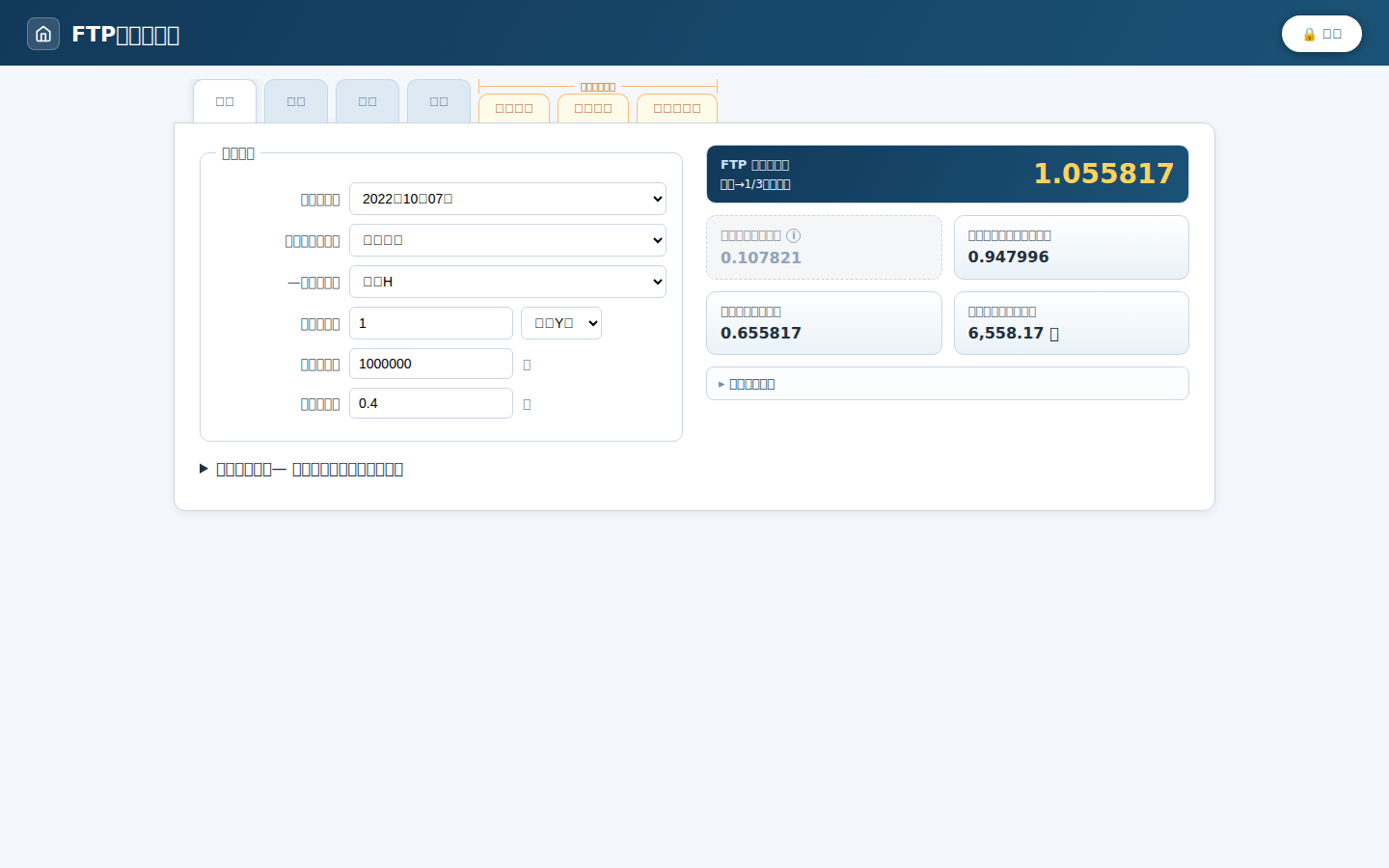
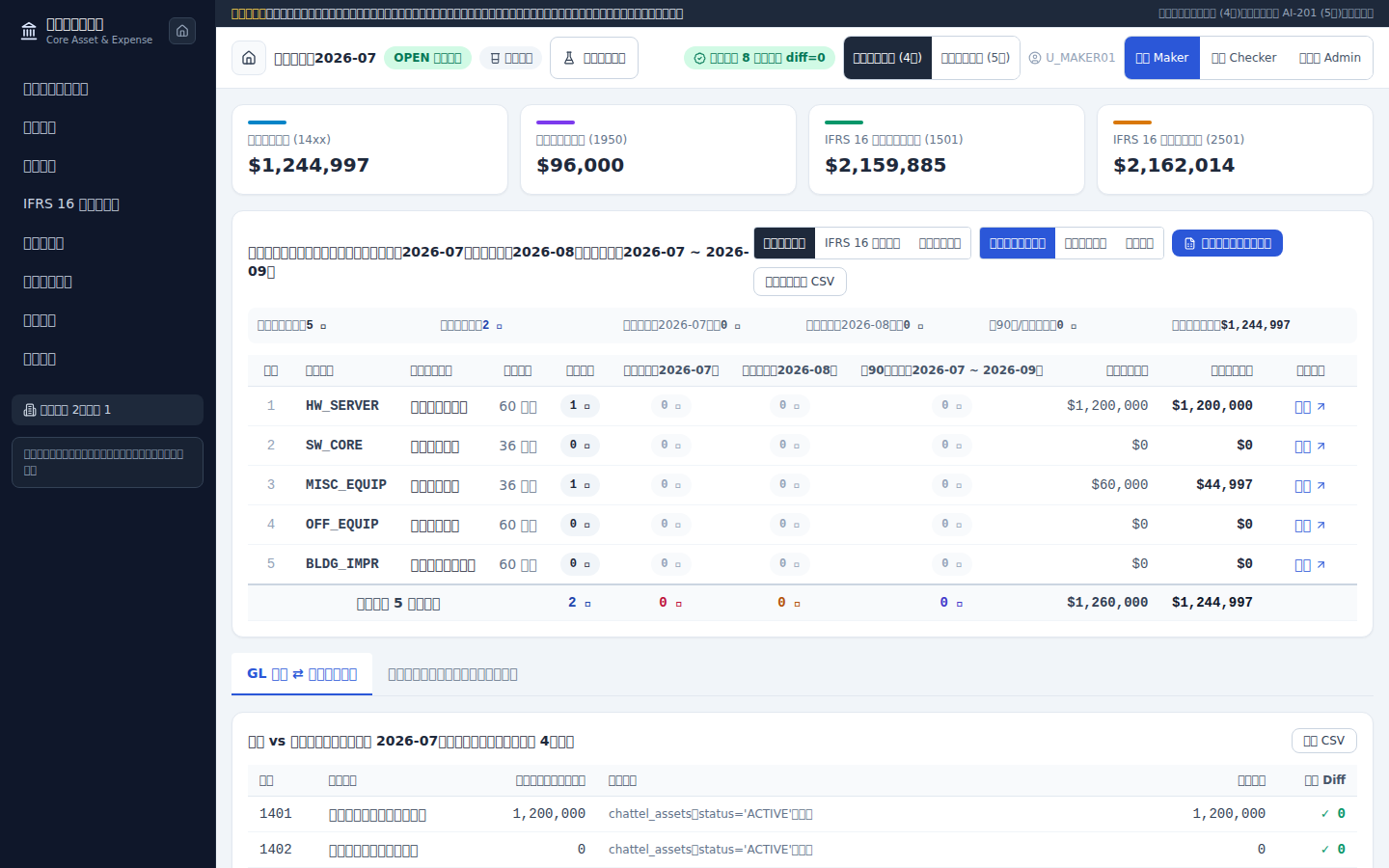
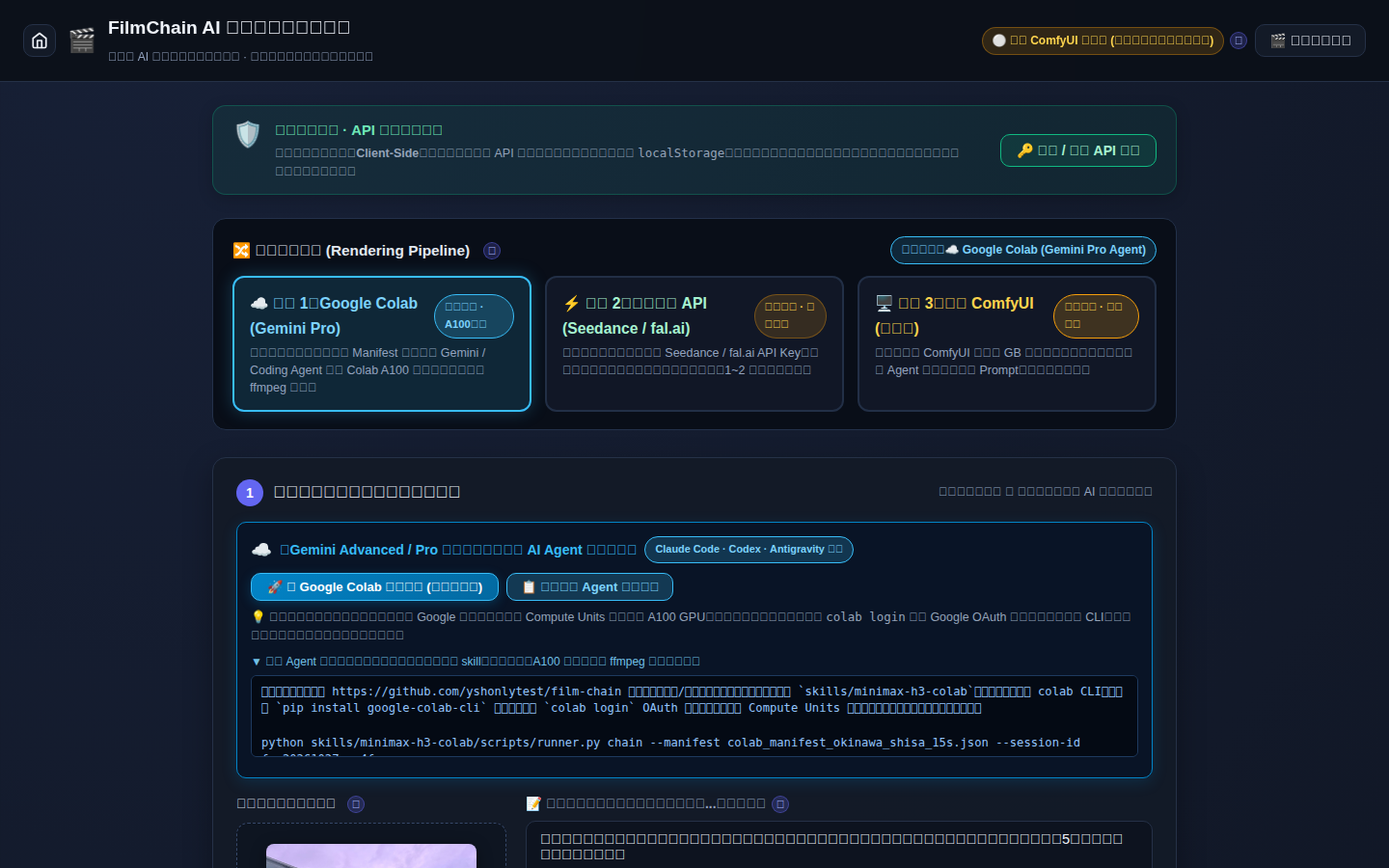
Whether I am shipping a low-dependency multimodal AI video studio, a full-stack core asset system, or a data-masked financial pricing module, a single git push origin main takes my changes straight to production.
What’s Next?
While leveraging the free compute tier of Cloudflare Workers is convenient, enterprise architecture requires matching the runtime to the workload. My next goal is extending side project into hybrid-cloud territory—with Cloudflare Tunnels and Zero Trust Access to demonstrate seamless on-premise-to-edge integration.